Exclusion and inclusion zones are the backbone of most monitoring conditions — but how they're set up, and what happens in the seconds after a boundary is crossed, is often misunderstood. Here's how it actually works.
Exclusion zones vs. inclusion zones
An exclusion zone is an area a participant is not allowed to enter — a victim's neighborhood, a school, a specific address. An inclusion zone is the opposite: an area a participant must stay within, such as during house arrest. Most cases use a mix of both.
How a zone is set up
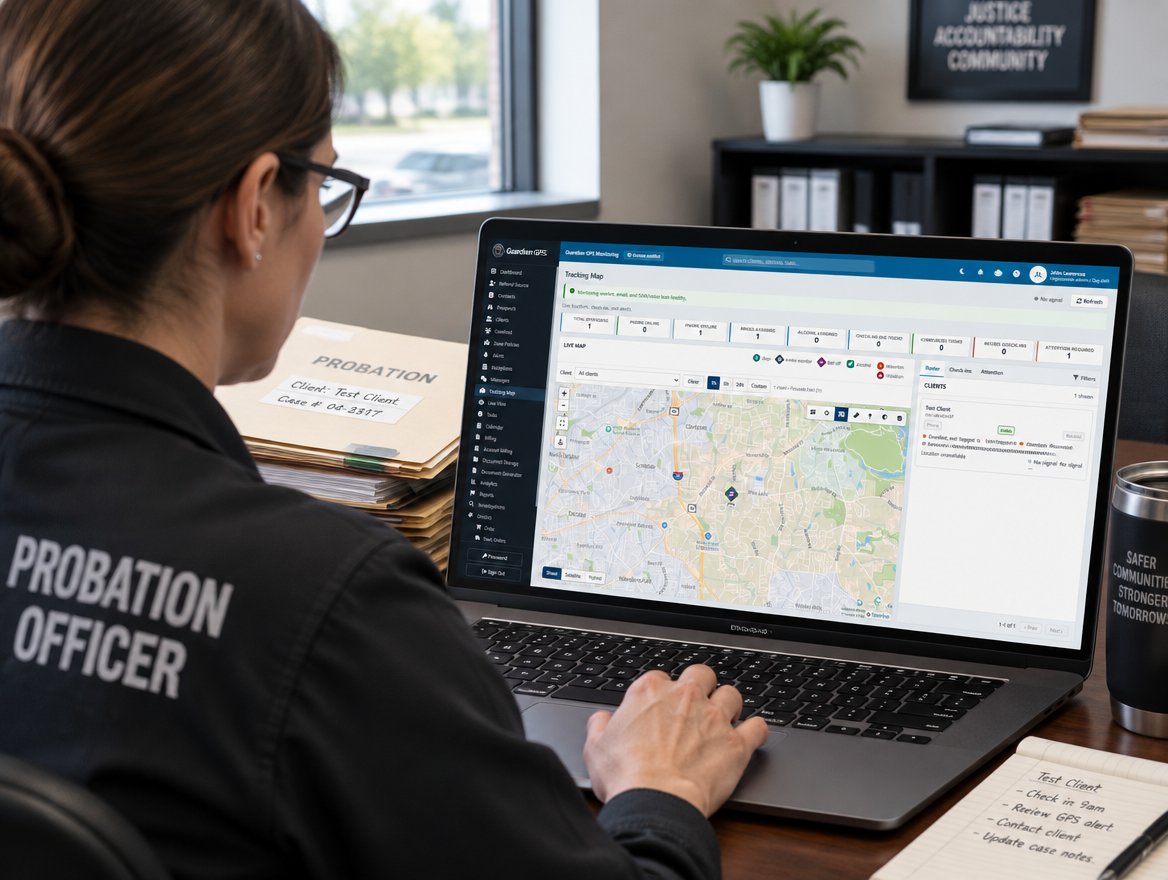
Officers draw a zone directly on a map in the Officer Dashboard — a radius around a point, or a custom shape for an irregular boundary. Each zone can carry its own rule: a hard alert on entry, a grace period before an alert fires, or a scheduled window when the rule doesn't apply.
What happens in the seconds after a crossing
- Detection — the device reports a position inside (or outside) the zone boundary in real time.
- Confirmation — the system checks the reading against GPS accuracy to rule out a false positive near a zone edge.
- Alert — a confirmed violation reaches the monitoring center and the assigned officer, typically in under 60 seconds.
- Record — the event, its exact time, and the participant's location are logged permanently to the compliance record.
"The grace-period setting alone cut our false-alarm callbacks by more than half. It's a small feature that changes how much you trust the system." — Compliance Officer, county probation department
Setting this up for your program
Zone rules are configured per participant, so a single program can mix hard-alert exclusion zones with more flexible inclusion windows depending on the case. Our team can help set up your first zone templates during onboarding.
See zone setup in the Officer Dashboard
Request a walkthrough of drawing, editing, and monitoring zones in real time.

Guardian GPS Team
Product updates and field notes from the people building Guardian GPS Monitoring.