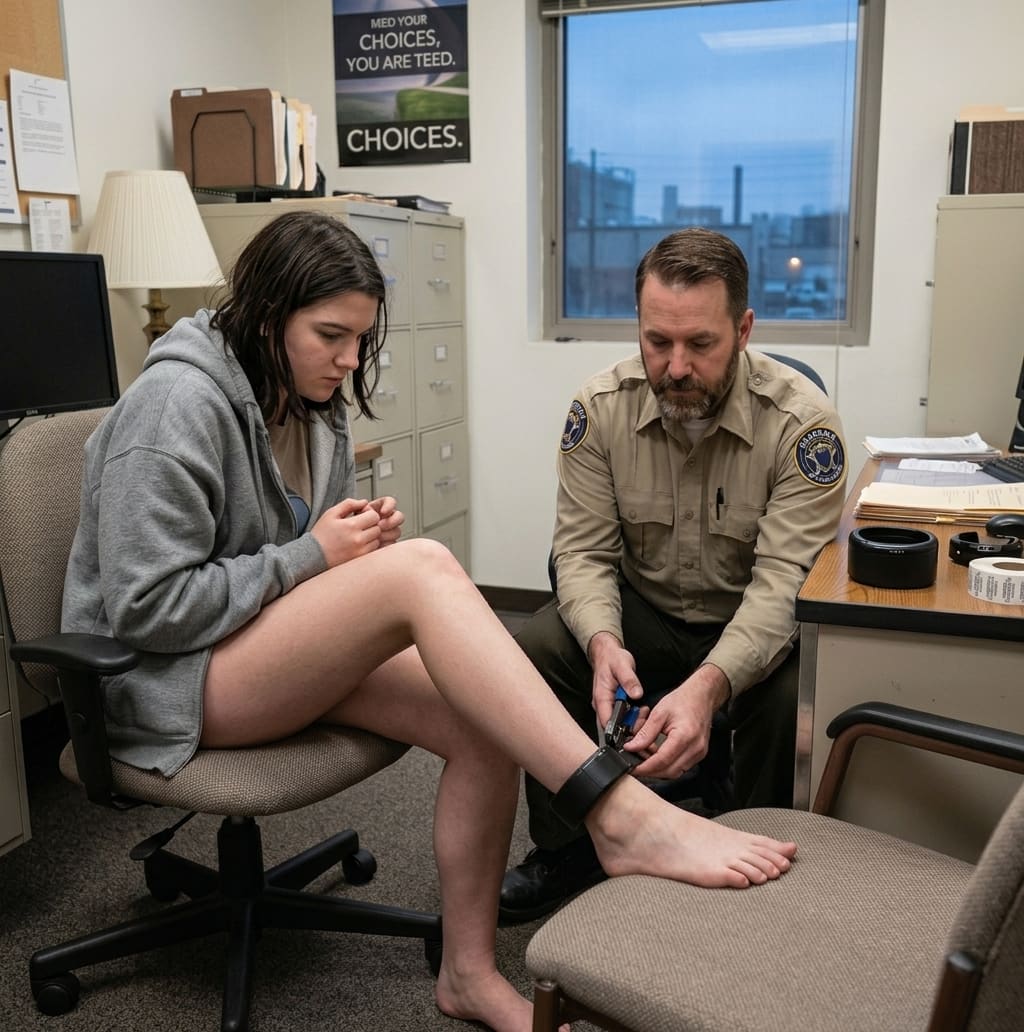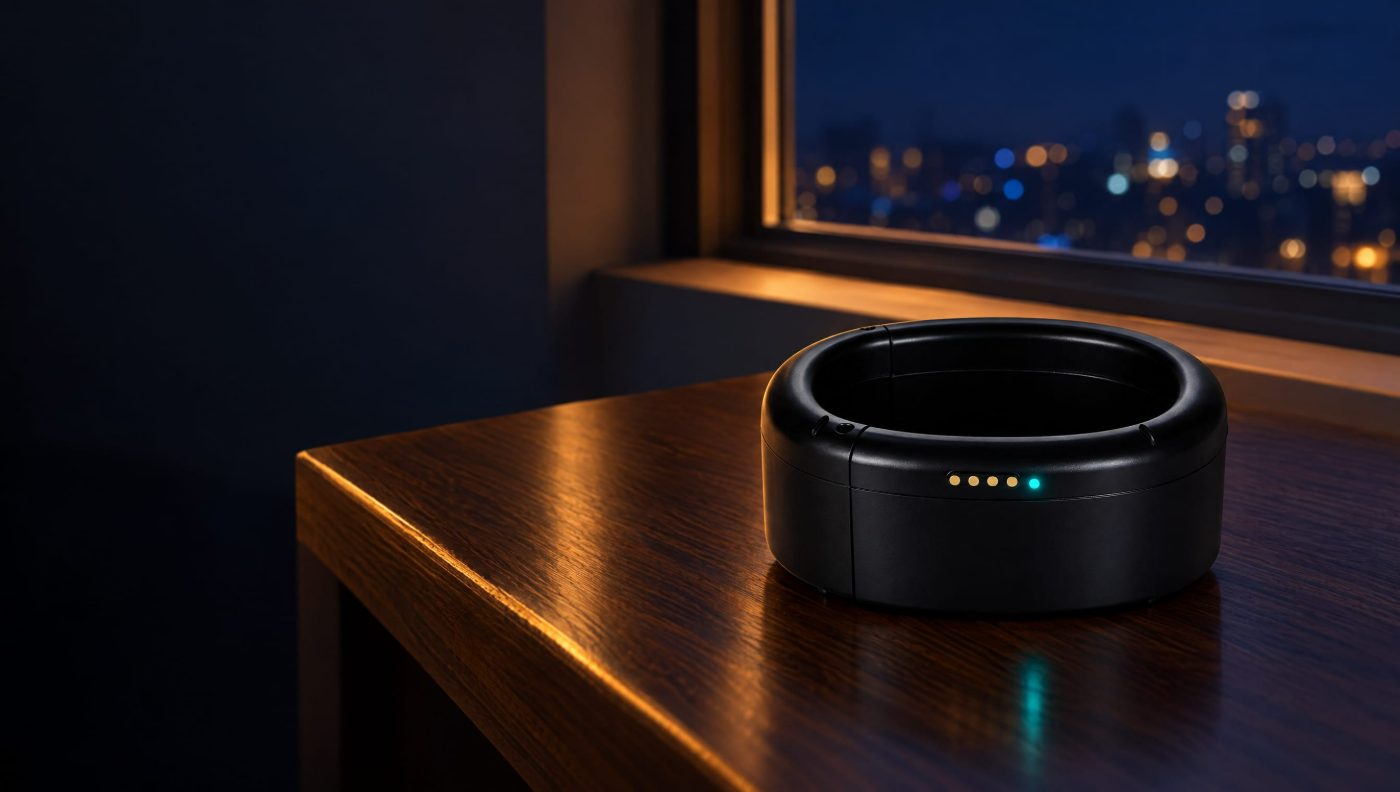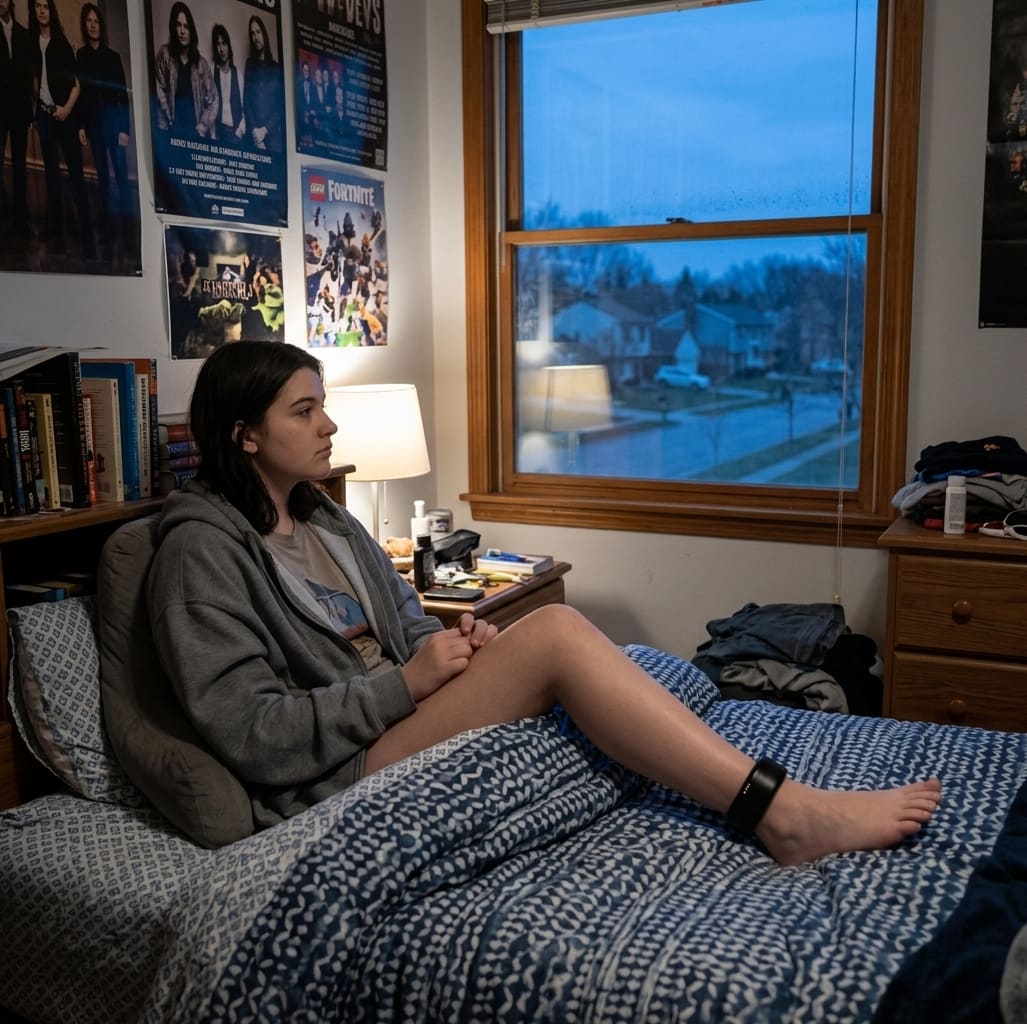
Day to day, living with a GPS ankle monitor comes down to one habit and a few adjustments. Charge it on a routine, wear clothing that fits over it, and ask your officer before anything that changes your schedule. The X14 weighs 4.8 ounces with the strap and sits close to the ankle, so it fits under most pants and socks.
Rules are set by your court or supervising officer. If anything here differs from what they told you, follow their instructions.
Build a charging routine
Charging is the one genuinely new habit. The battery lasts about 5 days under normal use, and the clip-on charger fills it in about 2 hours while you keep wearing it. Don't wait for the warning. Pick a fixed time, like an evening TV show or your first hour home from work, and charge then.
You and the monitoring center both get a low-battery alert well before it runs out, but a routine means you'll rarely see one. Keep the charger somewhere safe. Unreturned chargers and devices can lead to extra charges when your monitoring ends.
What to wear
The device measures about 2.9 by 1.6 by 1.1 inches. It isn't hidden, but it isn't bulky either. Straight-leg and boot-cut pants cover it more easily than skinny jeans. Higher socks help the strap sit comfortably against your skin. Shoes and boots that press on the housing are worth swapping for something looser.
Going to work or school
Most people keep working. Your case manager can add your workplace or school as an approved location with set hours, and driving is generally fine within your approved area and schedule. If your hours change, a shift swap or overtime, tell your officer before the change so your schedule can be updated.
Whether you tell your employer is up to you. If your job involves water or extreme temperatures, mention it to your officer: the device is rated for showers and rain, and for -4°F to 122°F. Work-release and lower-risk participants are sometimes placed on the House Arrest App instead, which has no hardware at all.
Sleep, exercise and the weather
- Sleep: You wear it to bed. A sock between the strap and the sheets can make it more comfortable.
- Exercise: Walking, running and gym work are generally fine. Avoid activities where the device could take a hard hit or get caught.
- Showers and rain: Fine. Hot tubs, saunas and long swims are not. Our guide to showering and swimming with an ankle monitor has the details.
- Hot and cold days: It's rated to work from -4°F to 122°F.
Medical appointments
If you need a hospital visit, X-ray or scan, tell the medical staff you're wearing a monitor and call the monitoring center or your officer before the appointment if you can. Never remove the device yourself.
Living with family
Let the people you live with know your curfew times and charging routine. They can help you stay on schedule, and it saves awkward questions when the device vibrates to show its status. If you're a parent or partner supporting someone on a monitor, our individuals and families page explains the options and support available.
When something feels wrong
Skin irritation, a strap that rubs, a knock that leaves a mark: call the 24/7 monitoring center at (336) 307-6162. Never loosen the strap or open the housing yourself, because both trigger a tamper alert. For travel and schedule questions, see how far you can go on an ankle monitor.
Frequently asked questions
Can I sleep with an ankle monitor on?
Yes. The device stays on at all times, including overnight. A sock between the strap and the sheets can make it more comfortable.
Will people be able to tell I am wearing an ankle monitor?
It is not hidden, but it is low-profile. It sits close to the ankle and fits under most pants and socks.
How often do I need to charge an ankle monitor?
The battery lasts about 5 days under normal use. Charging on a fixed daily or every-other-day routine means you will rarely see a low-battery warning. A full charge takes about 2 hours.
Can I keep my job while wearing an ankle monitor?
Usually, yes. Your case manager can add your workplace as an approved location with set hours. Tell your officer before any change to your work schedule.
What if the strap irritates my skin?
Call the 24/7 monitoring center. Do not loosen or adjust the strap yourself, because stretching it or forcing the clasp triggers a tamper alert.
Supporting someone on a monitor?
Clear pricing, a device shipped to your door and a real person on the phone 24/7.
Guardian GPS Team
Product updates and field notes from the people building Guardian GPS Monitoring.