An ankle monitor tracks your location around the clock with a device you can't take off. The House Arrest App runs on your own phone and verifies who and where you are at scheduled check-ins, using a selfie and GPS. The ankle monitor gives courts more certainty. The app costs half as much and needs no hardware. Your court or officer decides which one meets your conditions.
Rules are set by your court or supervising officer. If anything here differs from what they told you, follow their instructions.
Side by side
| GPS ankle monitor | House Arrest App | |
|---|---|---|
| What you use | The X14 device, worn on the ankle | An app on your own iPhone or Android phone |
| Location | GPS fix every 30 seconds, 24 hours a day | GPS verification during active monitoring windows and check-ins |
| Identity | The device is strapped to you | Facial recognition selfie at every check-in |
| Tamper protection | Strap-cut, stretch and housing sensors | Alerts for location spoofing, app tampering or a swapped phone |
| Charging | About 5 days per charge; about 2 hours on a clip-on charger | Your phone's normal charging |
| Often used for | Pretrial release, bail bonds, house arrest, exclusion zones | Pretrial diversion, lower-risk cases, juvenile diversion, work release |
How the ankle monitor works
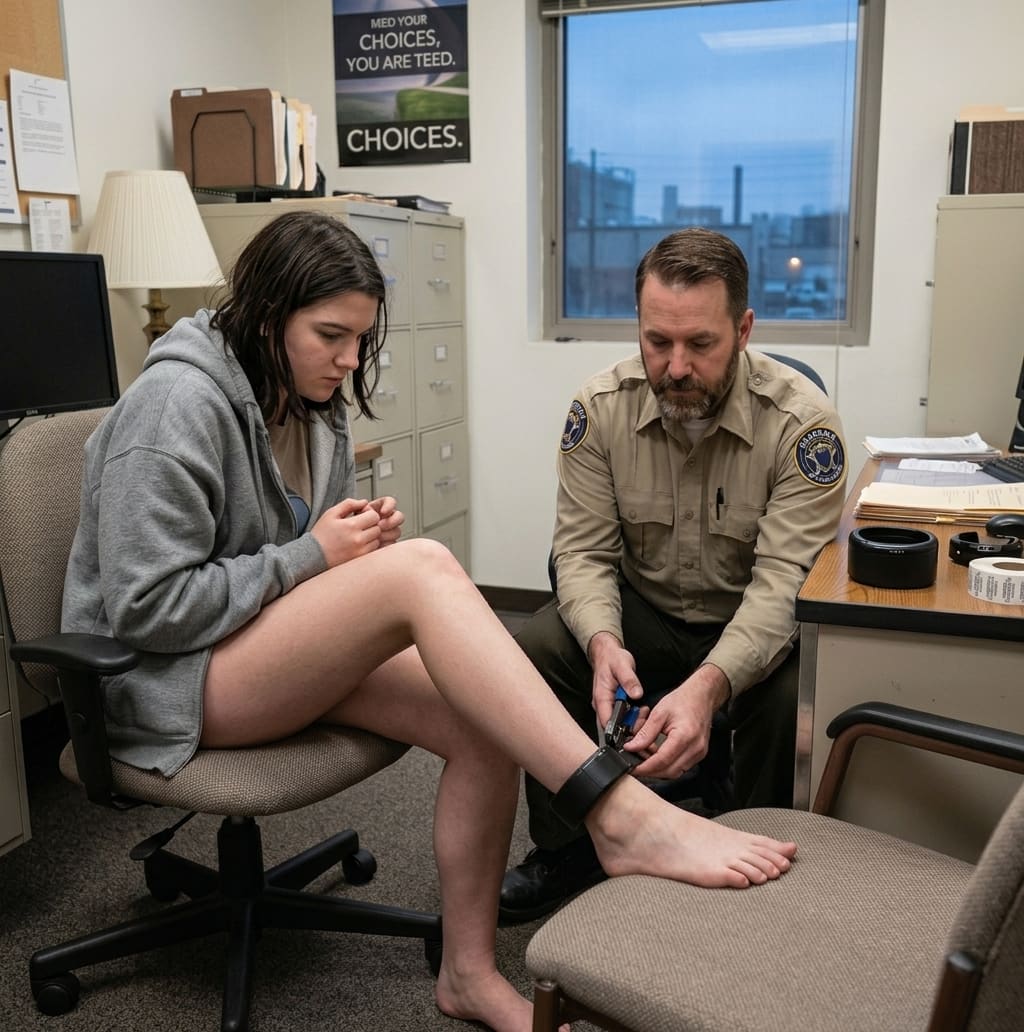
A specialist fits the GPS ankle monitor at intake and confirms it's reporting before you leave. From then on it checks in every 30 seconds over encrypted cellular. The platform compares each position against your zones and curfew, and violations go straight to your officer. Because it's always on your ankle and always reporting, it's the stronger choice when a court needs continuous location, such as an exclusion zone around a protected person's home.
How the House Arrest App works
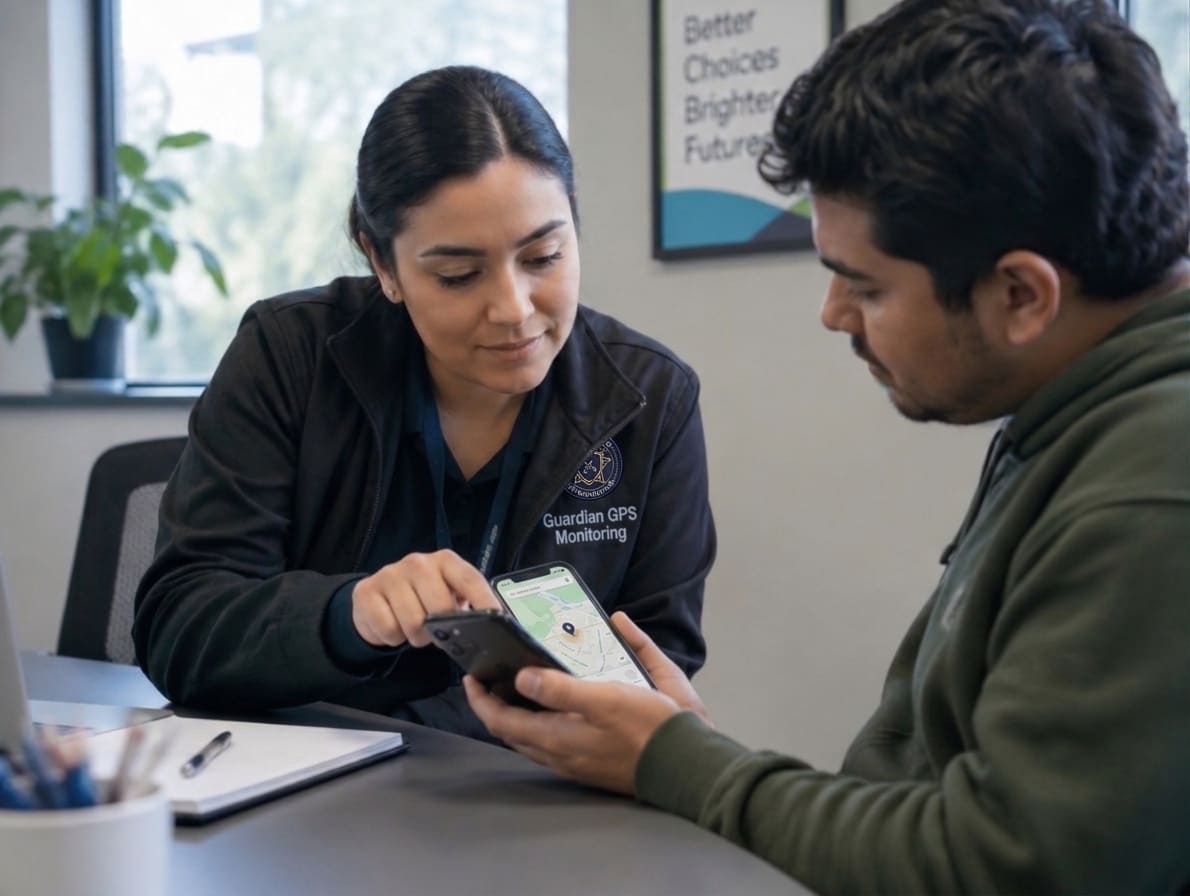
With the House Arrest App, a specialist installs the app on your phone at intake and sets your schedule. At each check-in the app sends a push notification and captures a verified selfie and your location. Officers can message you through the app with reminders or check-in requests.
Connectivity gaps are handled fairly: missed connectivity is logged and flagged instead of being counted as a violation, and the app catches up automatically. A missed check-in or curfew break still goes straight to your officer.
Which one will the court choose?
It comes down to risk and your conditions. If the order needs continuous tracking or zones that must never be crossed, expect an ankle monitor. If scheduled, verified check-ins meet the requirement, the app may be allowed. It usually costs less, with nothing to wear, charge or return. Ask your attorney or officer whether the app is an option in your case. A specialist can give you a quote for either option.
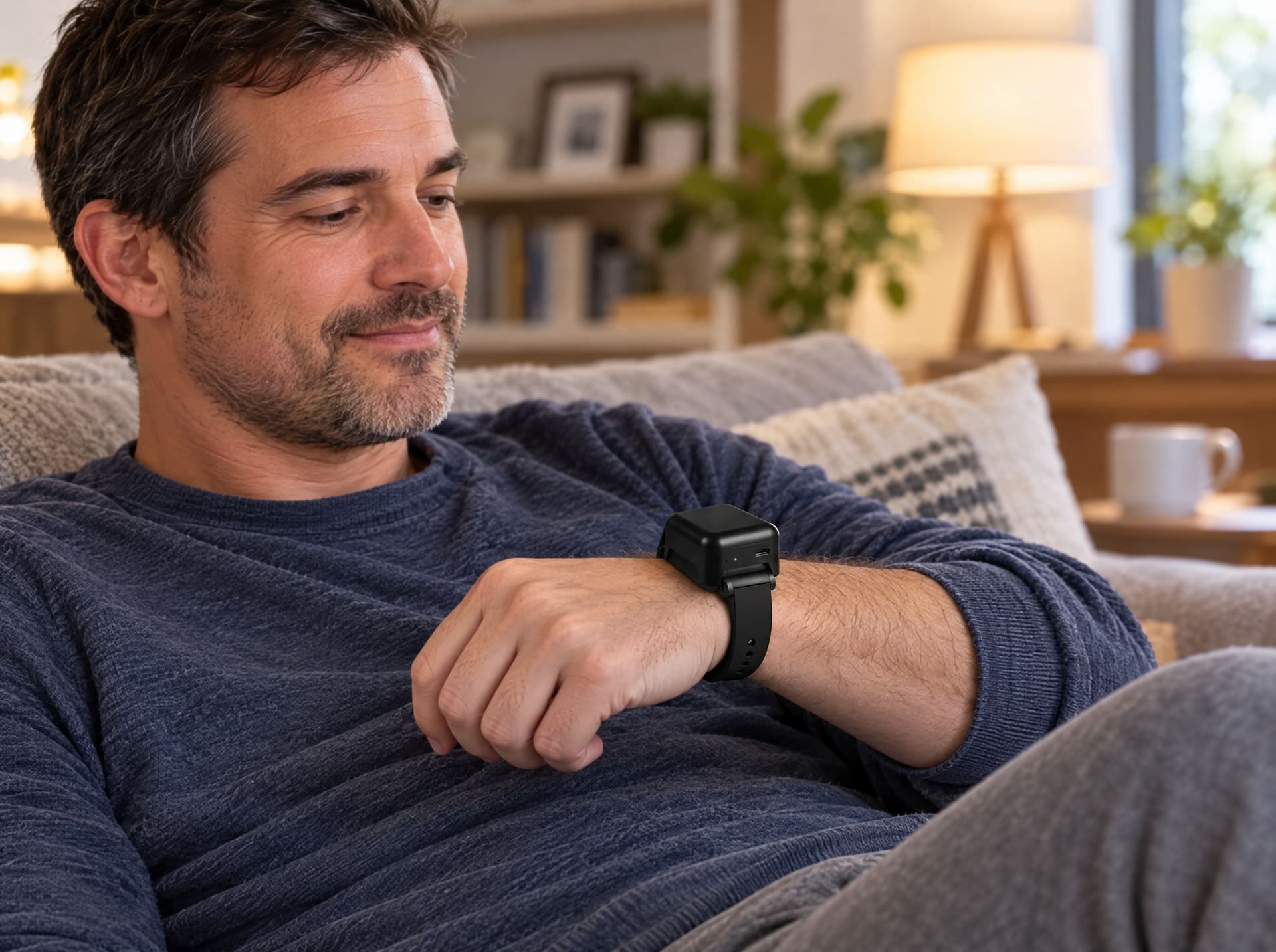
There's also a middle option. The GPS Monitoring Watch provides full location monitoring in a wristband that looks like a fitness band. It's often used for people stepping down from an ankle monitor.
Can you switch later?
Sometimes. Switching devices requires approval from your officer or case manager, because it depends on your program's requirements and your risk level. A steady compliance record is the best case you can make for stepping down to a lighter option.
Frequently asked questions
Is the House Arrest App cheaper than an ankle monitor?
Usually, yes. The app costs less than an ankle monitor, and both include the 24/7 monitoring center. A specialist can give you an exact quote.
Does the House Arrest App track me all the time?
No. The app verifies your location with your phone's GPS during active monitoring windows and at each scheduled check-in. An ankle monitor reports every 30 seconds around the clock.
Can someone else do my check-in on the app?
No. Every check-in requires a facial recognition selfie, and location spoofing, app tampering or a swapped phone triggers an alert.
What happens if my phone loses signal?
Missed connectivity is logged and flagged instead of being counted as a violation, and the app syncs automatically when the connection returns.
Can I choose the app instead of an ankle monitor?
Your court or supervising officer decides which device meets your conditions. Ask your attorney or officer whether the app is allowed in your case.
Is the app right for your case?
See how the House Arrest App works, or ask a specialist whether your court accepts it.

Guardian GPS Team
Product updates and field notes from the people building Guardian GPS Monitoring.